


Latest Version
Rapela Thomas
Media
Windows
Free
9nblggh4wpz1
Report a Problem
More About RT Media Player
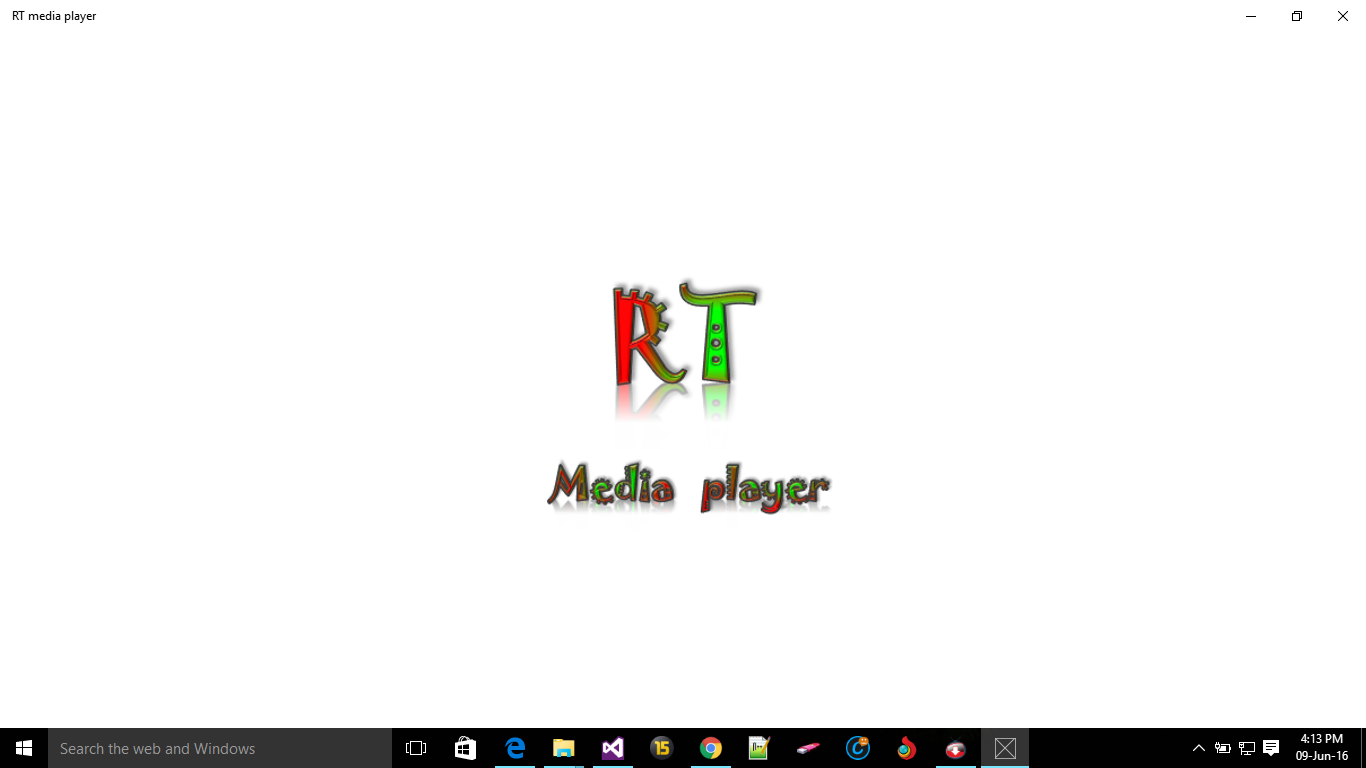
Imagine watching a crucial scene in a movie or following a complex software tutorial, only to be interrupted by a sudden phone message or someone walking into the room. The RT media player smart watch mode solves this common frustration by automatically pausing your playback the moment your attention shifts away from the screen.
How the RT Media Player Smart Watch Mode Works
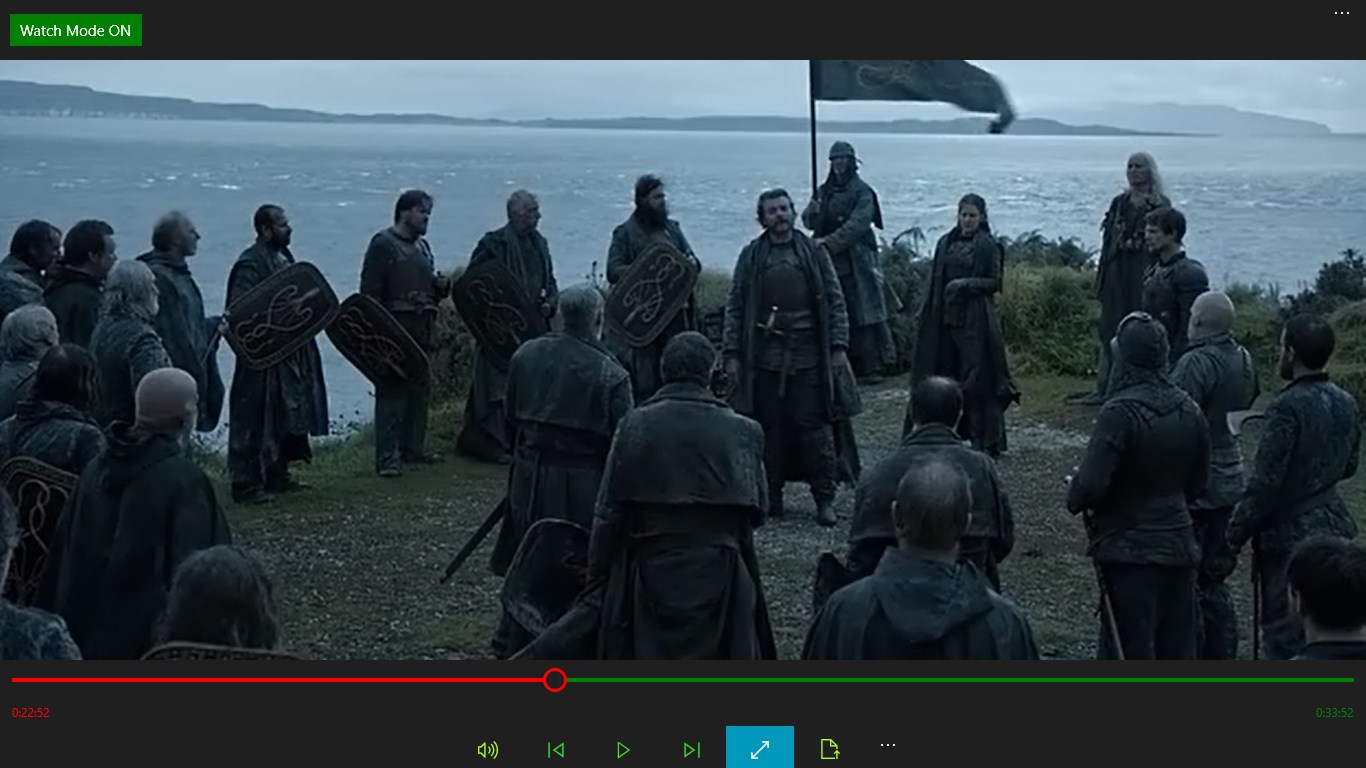
Developed by Rapela Thomas for the Windows platform, this innovative utility is designed for hands-free convenience. Instead of constantly reaching for your spacebar or mouse to pause a video, the software intelligently manages playback based on your presence. When the dedicated "Watch Mode" is toggled on, you can freely step away, reply to a text, or look aside; the system halts the media and resumes only when you are ready to focus again.
Key Features of this Windows Media Tool
- Intelligent Auto-Pause: The standout "Watch Mode" keeps track of your engagement, ensuring you never miss a second of important footage.
- Effortless File Loading: Simply drag and drop your video file directly into the application, or use the integrated system file picker to locate your media.
- Flexible Playback Controls: If you prefer uninterrupted playback regardless of your movement, you can easily toggle the automated watch feature off with a single click.
- Versatile Format Support: In addition to video files, the application functions as a capable audio player, supporting popular formats such as MP3, AAC, and WAV.
Who is the RT Media Player Smart Watch Mode For?
This application is highly beneficial for students watching long lectures, professionals following step-by-step video guides, and casual viewers who hate missing key plot points in movies. It guarantees that 100% of the scenes are viewed without requiring your constant manual input.
Streamline Your Viewing Experience
If you are looking for a hands-free solution to manage your local media files on Windows, this tool offers a unique approach to distraction-free viewing. To try this feature-rich application for yourself, head over to the official Microsoft Store to download the player directly to your device.
Rate the App
User Reviews
Other Apps in This Category

Popular Apps








Editor's Choice