Latest Version
Trinavo
Communication
Windows
Free
9n58prlq05ff
Report a Problem
More About Multi Messenger Hub Review: Multi-Account Chat App
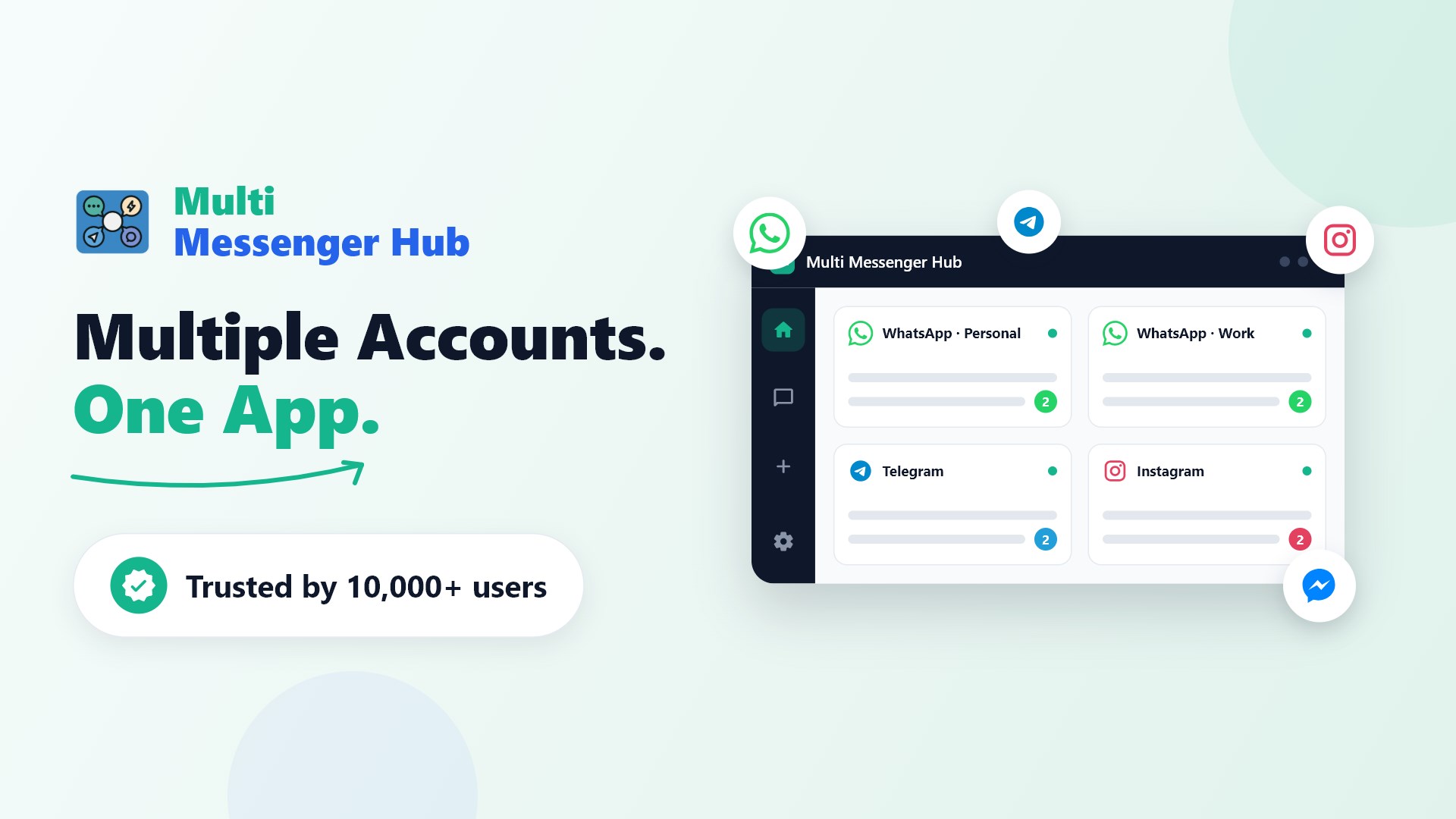
Managing multiple communication channels can quickly turn your Windows desktop into a chaotic mess of browser tabs and noisy notifications. The Multi Messenger Hub unified messaging platform solves this exact issue by consolidating all of your chat applications into a single, streamlined interface. Developed by Trinavo, this communication app is designed specifically for professionals, customer support agents, and power users who need to maintain a clear separation between their personal and professional digital lives without constantly logging in and out of different services.
Streamlining Your Daily Workspace
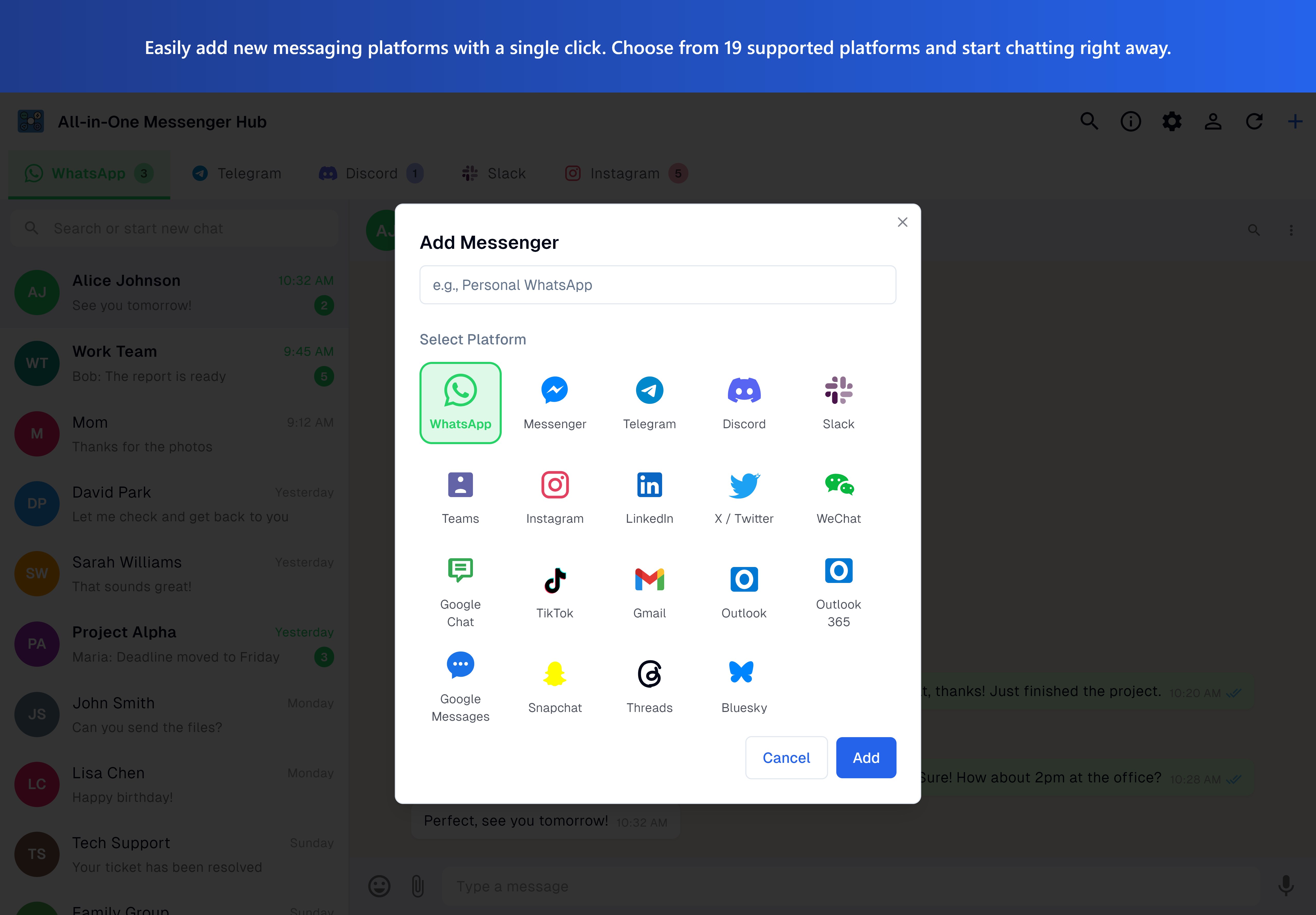
Instead of running separate resource-heavy desktop clients or leaving a dozen browser tabs open, this software lets you access platforms like WhatsApp, Telegram, Discord, Slack, and Instagram in isolated sessions. The practical benefit is immediate: you can run two different WhatsApp accounts side by side—such as your personal number and your business line—in the same window. Because each session is isolated, your credentials remain secure and do not conflict with one another.
Key Capabilities of the Multi Messenger Hub Unified Messaging Platform
- Multi-Account Instancing: Log into multiple profiles on the same platform simultaneously, including Facebook Messenger, WeChat, and Google Chat.
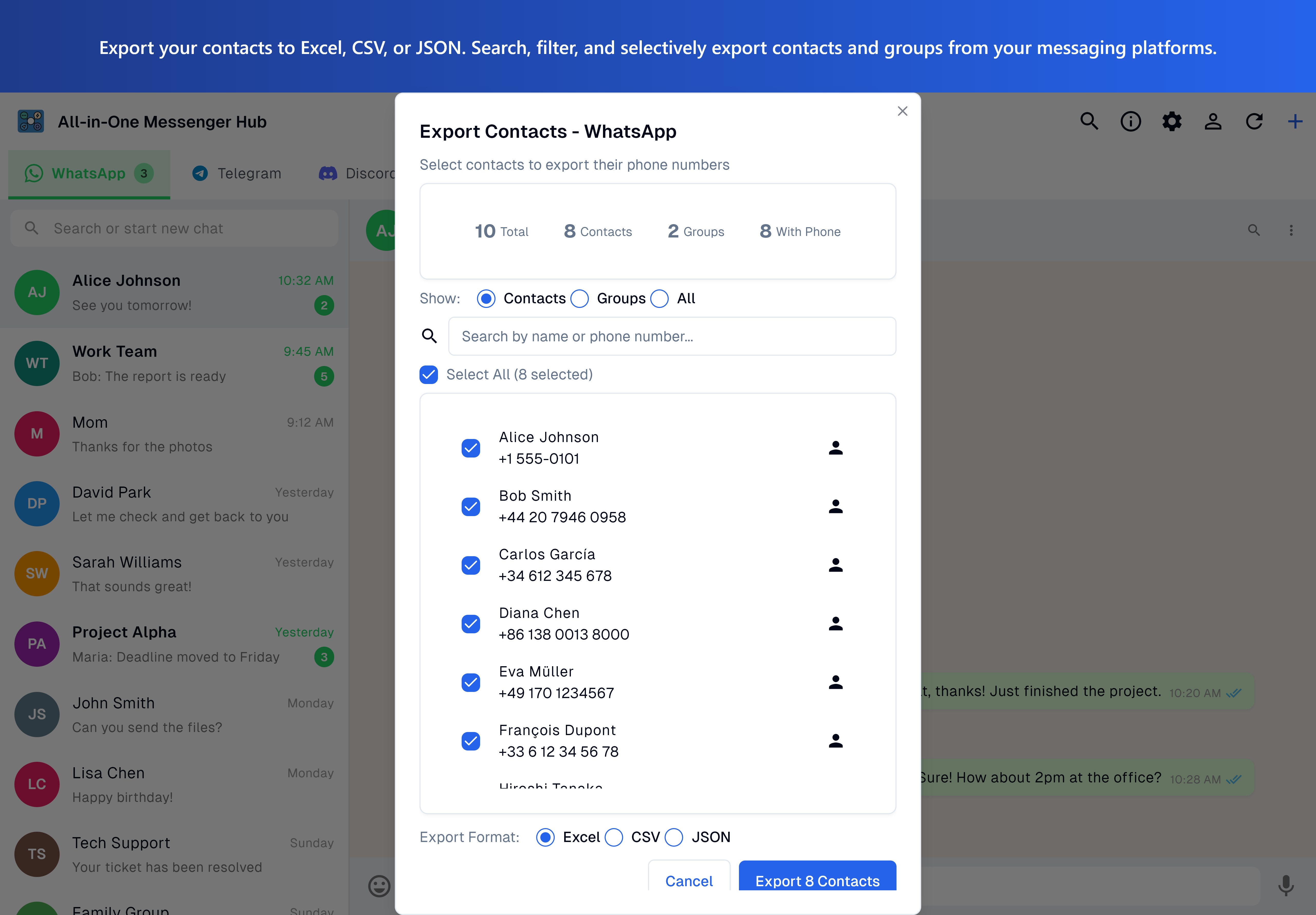
- Contact & Data Export: Directly export your WhatsApp contacts and group lists into organized Excel, CSV, or JSON formats, making CRM integration simple.
- Smart Desktop Notifications: Receive native Windows alerts and unread badge counts so you never miss an urgent message, even when the hub is minimized.
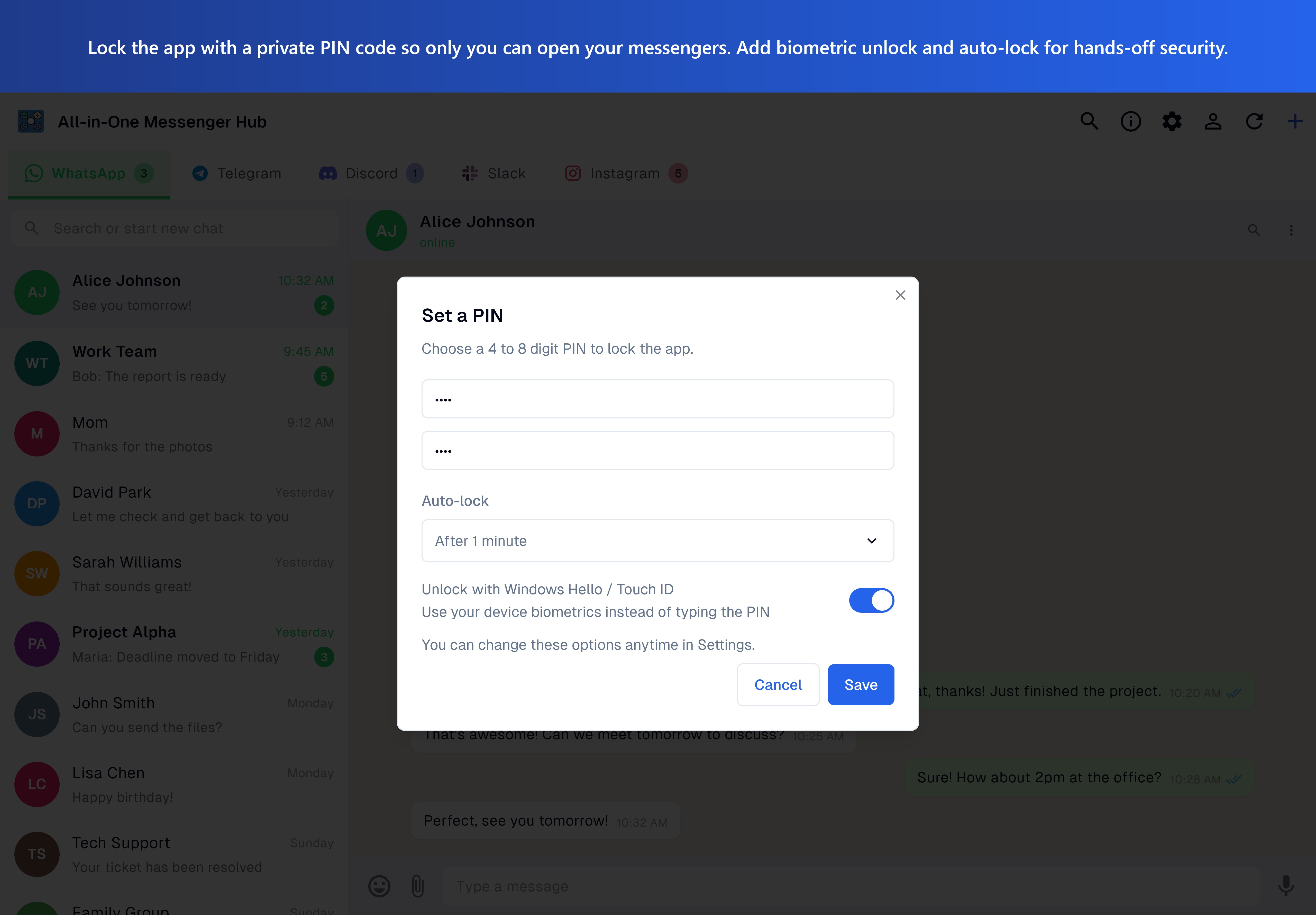
- Privacy-First Architecture: Your conversations stay strictly between you and the respective platforms. The tool does not store messages or harvest personal data.
Advanced Business Integration and Automation
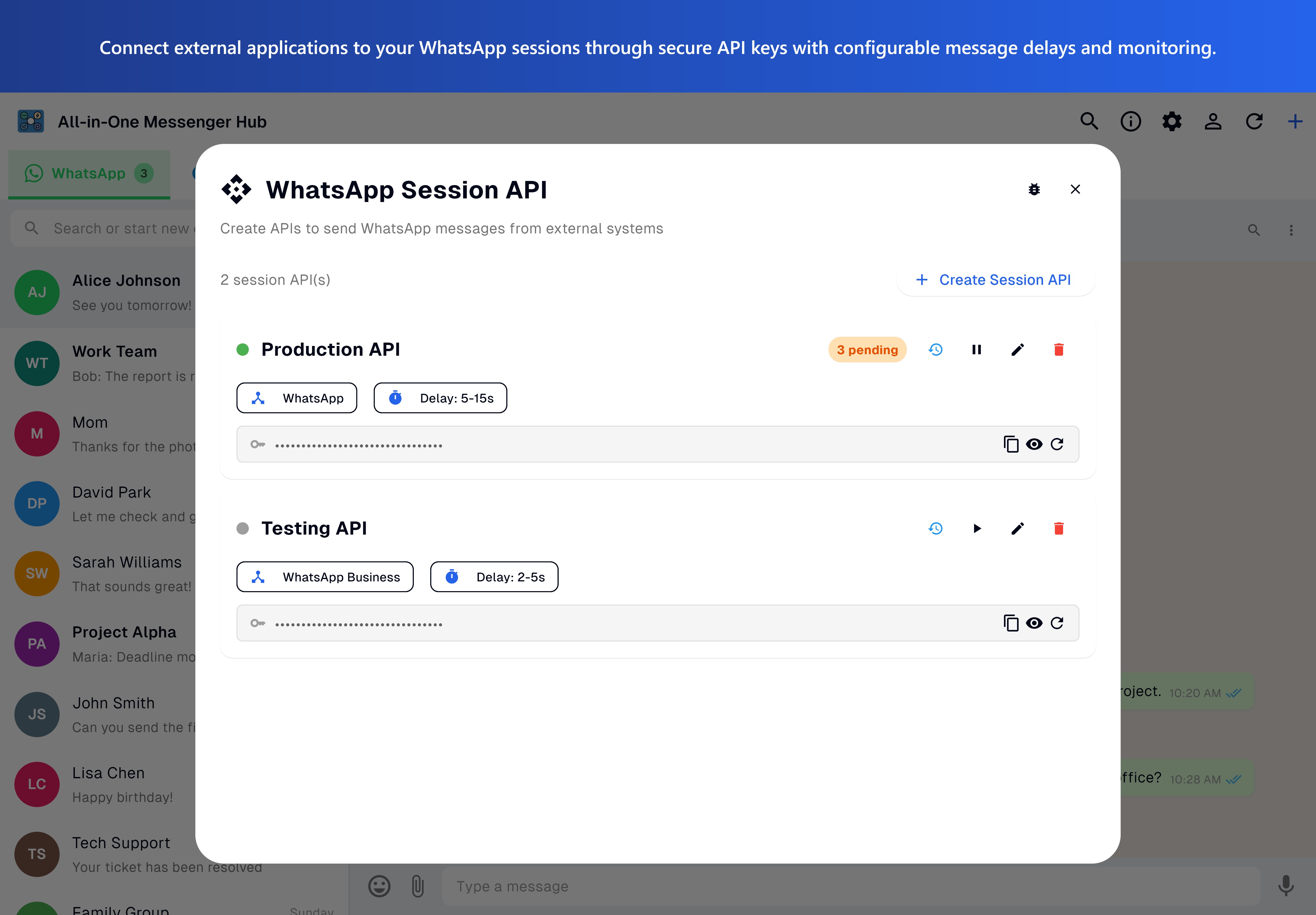
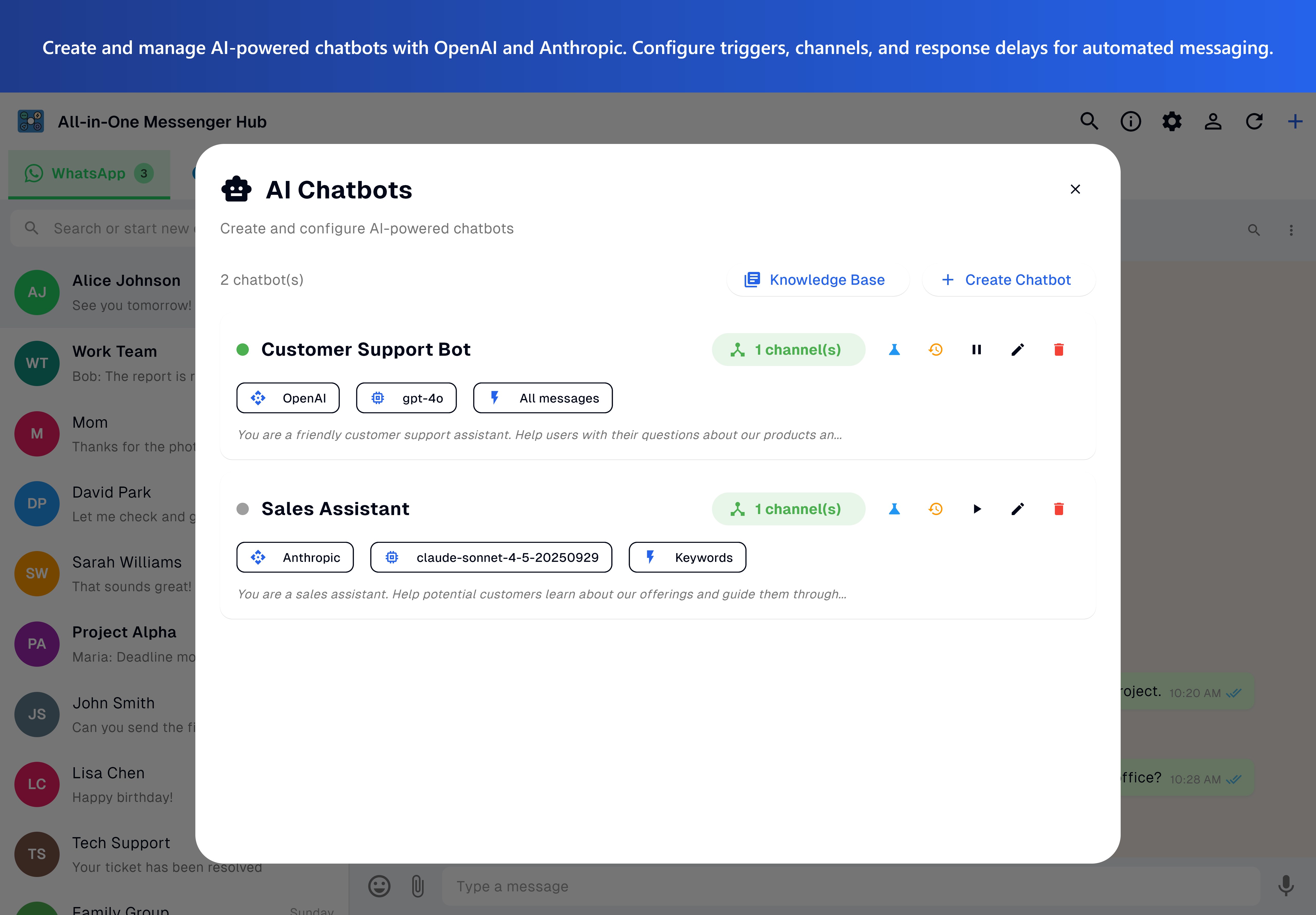
For operations that require scale, the platform offers advanced developer tools. You can utilize the WhatsApp Session API for flexible, session-based workflows, or integrate the WhatsApp Business API to manage customer interactions efficiently. Additionally, the software supports AI-driven chatbot automation, allowing you to deploy automated responses across WhatsApp, Instagram, and Messenger using external models like OpenAI and Anthropic.
Is It Right for You?
Whether you are a social media manager monitoring client feeds, an entrepreneur handling vendor chats, or simply someone looking to clean up their taskbar, this tool offers a structured environment that saves time and system resources. It is lightweight, supports 17 languages, and feels native to the Windows ecosystem.
To experience this streamlined approach to daily communication, you can find more details and access the application on its official page on the Microsoft Store.
Rate the App
User Reviews






Popular Apps









Editor's Choice